
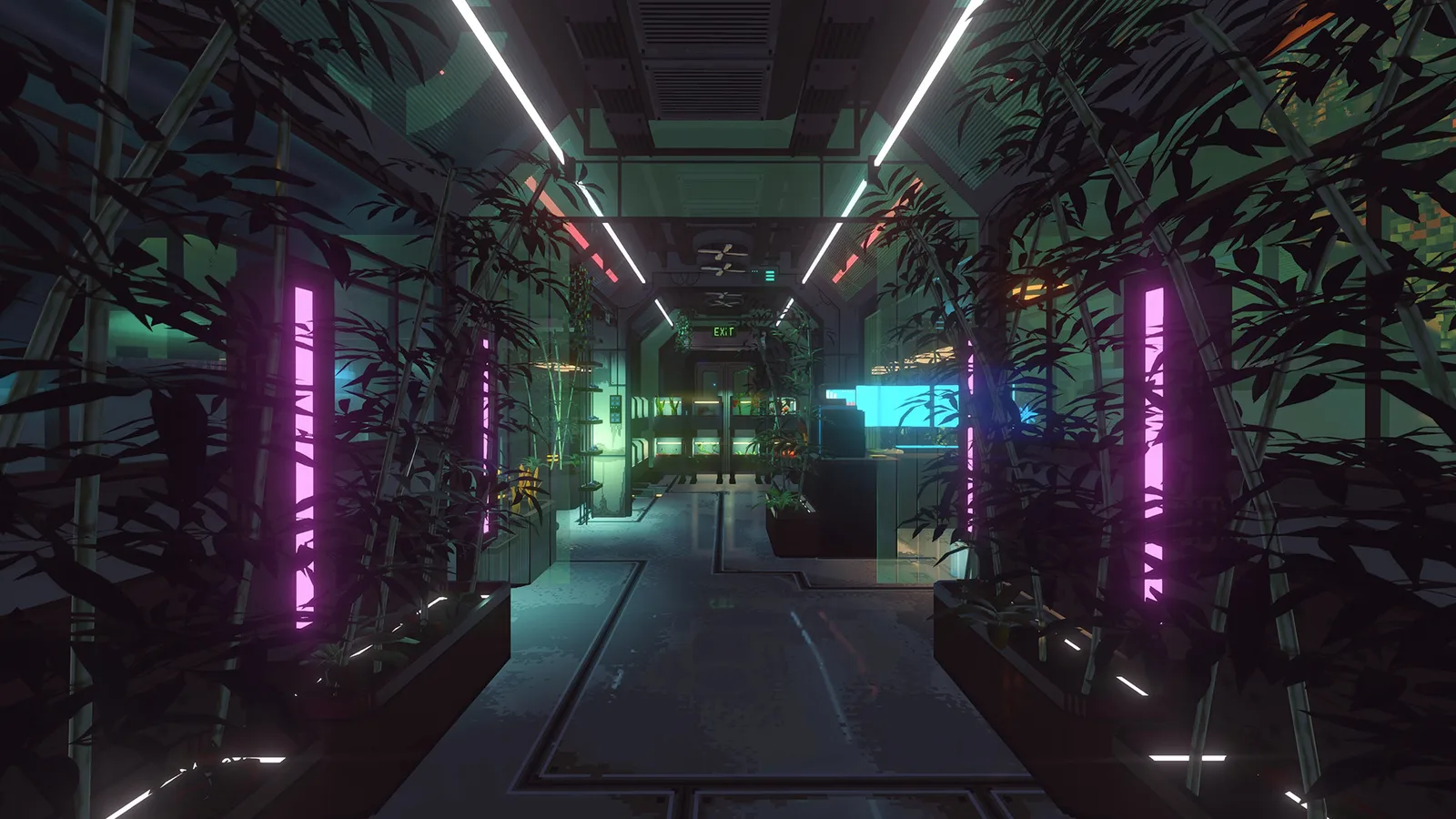
The greenhouse in Nivalis Nights lets you plant and harvest produce for two main purposes: supplying your restaurants and selling produce on the market. You can also change greenhouse settings to improve the growing conditions for the crop currently inside.
If you are stuck because a quest requires a greenhouse module, start with a farmer’s trade window. Check the Market farmer first, clear any filter that limits the shop to food, and inspect the furniture category. Players have also reported a farmer at Skyhigh Gardens as another place to check. Modules may be treated as furniture rather than ingredients, which makes them easy to miss even when the correct vendor carries them.
The launch build does not establish a dependable complete module catalog, universal growth times, or one perfect group of settings for every crop. Use the greenhouse’s current crop information and visible status feedback instead of relying on a fixed preset.
Where to Find Greenhouse Modules
The fastest route is to search farmer inventories correctly before assuming that a quest or greenhouse is broken.
- Read the quest objective again and note exactly what it asks you to grow. Do not substitute a similarly named ingredient or assume that every objective uses the same module.
- Visit the farmer in the Market and open the trade window.
- Remove any filter that shows only food or ingredients.
- Browse the furniture category for greenhouse modules. A module can be absent from the food list even though it is available elsewhere in the same trade window.
- If the Market farmer does not show what you need, check the farmer in Skyhigh Gardens as a fallback.
- Confirm that you are buying a greenhouse module rather than the finished ingredient. An objective that says to grow something is not normally solved merely by purchasing that ingredient from a food vendor.
- Return to the greenhouse and inspect its available module or planting controls. Follow the label shown for the purchased equipment rather than looking for it among ordinary restaurant stock.
Player reports identify the Market farmer as a useful first stop for launch-build greenhouse modules. Skyhigh Gardens is useful when you are already in that district or cannot find the item in the Market. These are practical places to check, not a promise that every module will always appear in an identical position or category layout.
A food-only filter is the most important failure point. If the trade window contains onions, potatoes, or other ingredients but no equipment, reset the filter before traveling elsewhere. The module may already be in the vendor’s inventory under furniture.
How the Greenhouse Fits Into Your Business
A greenhouse is a supply option rather than a separate restaurant. It converts your time and greenhouse capacity into produce that can support another activity.
| Goal | How the greenhouse helps | Decision to make |
|---|---|---|
| Supply a restaurant | Harvested produce can be used by your businesses | Grow ingredients that match dishes currently on the menu |
| Reduce shopping trips | Home-grown produce can replace some vendor purchases | Prioritize ingredients that repeatedly run low |
| Complete a growing objective | The required module or crop provides a path to the requested harvest | Follow the exact wording of the current objective |
| Sell produce | Harvests can be sold on the market | Compare immediate cash with the value of keeping the produce for a restaurant |
| Support managed venues | Managers can collect and use greenhouse produce | Continue checking stock because launch-build manager behavior is not fully reliable |
This makes crop selection more important than filling every available space without a plan. Produce is most useful when it has a known destination. Before planting, decide whether the next harvest is for a quest, an active menu, an emergency stock shortage, or a market sale.
The greenhouse does not establish a universal “best crop” on its own. Restaurant needs change with the dishes you serve, while selling decisions depend on your current cash needs and available produce. A crop that is useful for one menu may occupy space without helping another.
A Reliable Greenhouse Growing Cycle
Use the same short planning cycle each time you return to the greenhouse. This avoids planting first and discovering later that the harvest does not support the task you meant to finish.
1. Choose the harvest’s destination
Start with one concrete outcome. If a quest names a crop or product, use that as the priority. If the greenhouse is supporting a restaurant, check which menu ingredients are actually needed. If the goal is income, decide in advance that the harvest will be sold rather than quietly absorbed into business storage.
Do not build the plan around an assumed recipe quantity. Exact ingredient requirements belong to the individual recipe shown in your game. The greenhouse decision is simpler: identify a required produce type, then grow that type instead of guessing at a complete stock target.
2. Check the greenhouse and module state
Use the navigation display if you need to relocate the greenhouse; it appears as a point of interest alongside venues, vendors, apartments, boats, taxis, and trains. At the greenhouse, inspect the available planting areas and any information shown beside them.
If the desired option is missing, separate a module problem from a crop problem. A missing module sends you back to the farmer and the furniture category. A module that is present but does not match the objective means you should recheck the requested output before buying more equipment.

3. Plant for the current objective
Select the crop or greenhouse output that serves the destination chosen in the first step. Avoid filling capacity with unrelated produce merely because it is available. A focused cycle makes it easier to notice whether the greenhouse is supplying the expected business need.
Some objectives can use names that do not resemble ordinary vegetables, including requests involving mushrooms or beef. Follow the greenhouse objective and module labels shown in your game rather than assuming that only conventional crops belong in this system. The available information does not support a complete module-to-output list, so the current interface should decide which installed option produces the requested result.
4. Adjust the growing conditions
Greenhouse settings can be changed to create better conditions for produce. However, there is no supported universal combination that can safely be published for every crop in the launch build.
Use a controlled approach:
- Read the crop’s current status before changing anything.
- Change one setting at a time when possible.
- Recheck the visible crop feedback after the adjustment.
- Keep an effective setting for that crop instead of assuming it applies to every other crop.
- Avoid copying an unexplained preset that provides no crop name or interface state.
Changing one variable at a time is useful because it preserves the connection between an adjustment and the feedback shown by the greenhouse. Changing every control at once may improve the conditions, but it gives you no clear way to identify which adjustment mattered.
5. Harvest and route the produce
Once the crop is ready, decide where it should go before beginning another cycle. Produce intended for a restaurant should support dishes that are currently active on that venue’s menu. Produce intended for sale should not be mixed into the restaurant plan unless keeping it solves an immediate shortage.
Managers can collect and use greenhouse produce, but the launch version has known inconsistencies in automated restaurant purchasing and stocking. A manager may still buy unexpected quantities or overlook a needed ingredient. Check important restaurant stock and cash yourself instead of assuming that a greenhouse plus a manager creates completely hands-off supply.
Troubleshooting Missing Modules and Stalled Progress
Use the visible symptom to choose the next check. Traveling between vendors without changing the shop filter often wastes time because it leaves the original problem in place.
| Symptom | Most useful check | Safe next action |
|---|---|---|
| The farmer sells ingredients but no modules | The trade window may still be filtered to food | Clear the filter and inspect furniture |
| The Market farmer does not show the needed item | You may need another farmer inventory | Check the farmer at Skyhigh Gardens |
| You bought an ingredient with the same name as the objective | The objective may require growing rather than purchasing | Return to the objective and identify the required greenhouse option |
| You cannot remember where the greenhouse is | The integrated navigation display tracks points of interest | Select the greenhouse marker and follow the route |
| The installed option does not appear to match the objective | The module name and required output may not be equivalent | Compare the exact objective text with the labels in the greenhouse interface |
| The crop is growing under unclear conditions | Exact universal settings are not established | Use the current crop feedback and adjust one control at a time |
| A restaurant still buys an ingredient you are growing | Manager automation may not react reliably | Inspect venue stock, menu needs, and spending manually |
Do not treat a missing item in one filtered view as proof that greenhouse modules are unavailable. Likewise, do not buy every module in sight merely to force an objective forward. First identify whether the blocker is the vendor category, the location, the installed module, the selected crop, or the objective itself.
If the quest still does not advance after the requested output has been grown and harvested, preserve your progress with a manual save before experimenting further. Nivalis Nights also autosaves at the end of each day, but a manual save lets you retain progress made since the last day ended. There is not enough stable information to prescribe a universal quest-reset sequence for greenhouse objectives.
Choosing Crops for Restaurant Supply
A practical restaurant greenhouse should follow the menu rather than attempt to grow everything. Begin with the dishes you actually offer, identify the produce they require, and prioritize ingredients that create repeated shopping pressure.
This approach has three advantages:
- It gives every planting area a clear business purpose.
- It reduces the number of unrelated ingredients you need to monitor.
- It makes shortages easier to diagnose because the greenhouse plan is tied to a limited set of dishes.
Keep this page’s scope separate from recipe planning. The greenhouse can supply produce, but the recipe screen determines which ingredients and equipment a dish requires. Check that screen before committing greenhouse space. Do not rely on remembered quantities or assume that similarly named dishes share an ingredient list.
A focused menu can also make restaurant stock easier to supervise while manager behavior remains inconsistent. That does not prove that menu size controls manager reliability. It simply reduces the number of different supplies involved in your operation and makes unusual purchases easier to notice.
Food can spoil, so producing or buying more than a venue can use is not automatically efficient. The greenhouse avoids some vendor dependence, but it does not make excess stock valuable by itself. Match planting decisions to near-term menu demand, then inspect the venue before repeating the same crop cycle.
Selling Greenhouse Produce on the Market
Harvested produce can be sold on the market instead of being used in a restaurant. Selling is most useful when you need accessible cash, have more produce than your active menu needs, or are growing specifically for trade.
There is no dependable fixed “most profitable greenhouse crop” supported for the launch build. Vendor prices can change with the market, and trading relationships can influence prices. A static ranking would therefore ignore both the current offer and the opportunity cost of taking an ingredient away from a restaurant.
Before selling, make three checks:
- Confirm that the produce is not needed for the current greenhouse objective.
- Check whether an active restaurant is short of that ingredient.
- Compare the immediate sale with the cost and travel time required to replace the ingredient later.
Sell when the cash is more useful than the retained stock. Keep the produce when it prevents a likely restaurant shortage or completes an immediate business plan. This decision is more reliable than growing a supposedly universal cash crop without checking your current operation.